What is patient management software?
Patient management software keeps patient records, visit history, medical context, and connected clinic workflows together in one workspace.
 CliniTech
Connected patient records for clinic teams
Keep patient information, visit history, medical context, treatment plans, files, referrals, and follow-ups connected in one clinic workspace.
Give every team member the patient context they need for the next step in care.
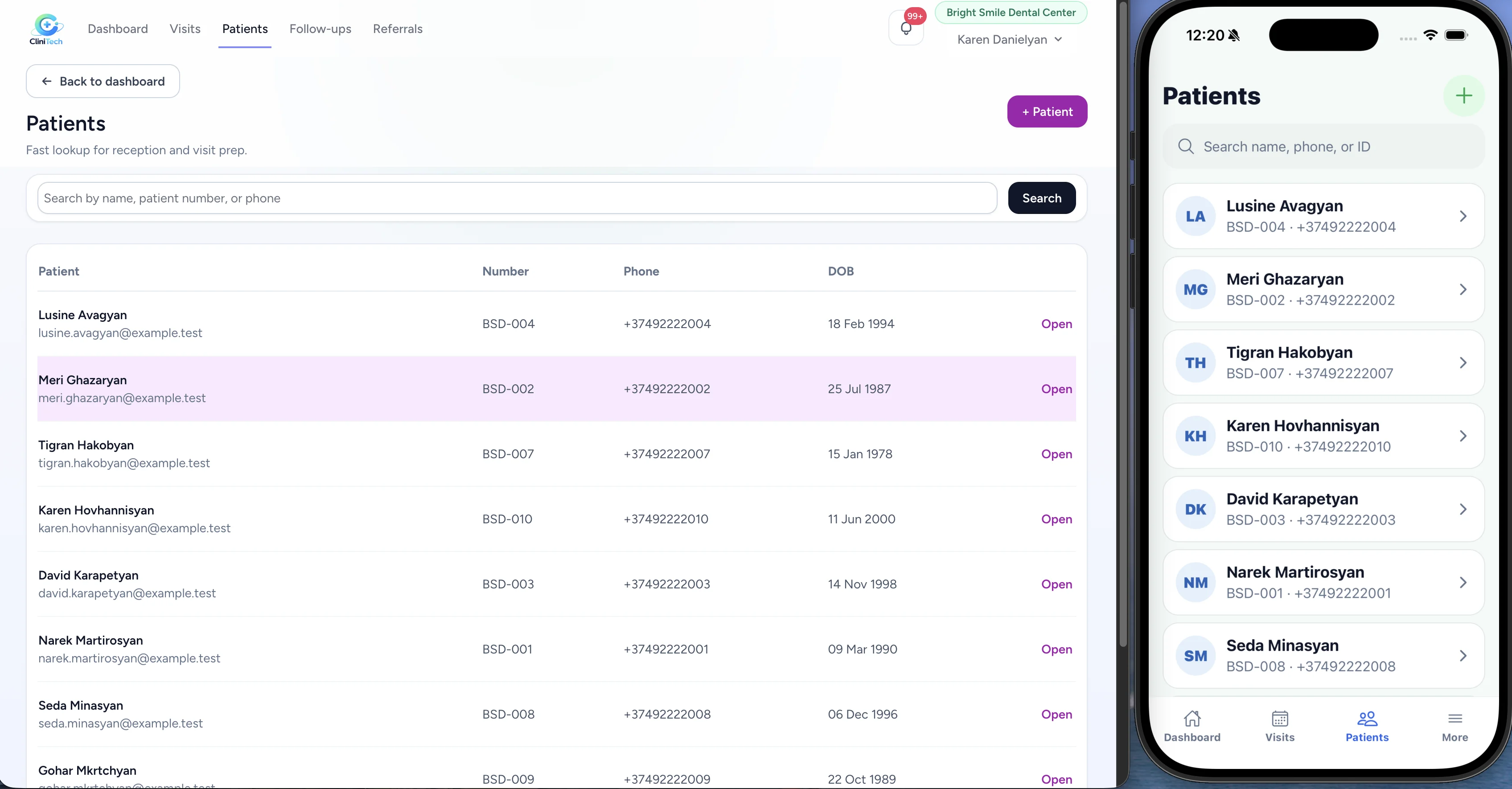
Patient profile
Keep contact details, date of birth, medical information, complaints, conditions, notes, and relevant patient context in one connected profile.
Explore the getting started guide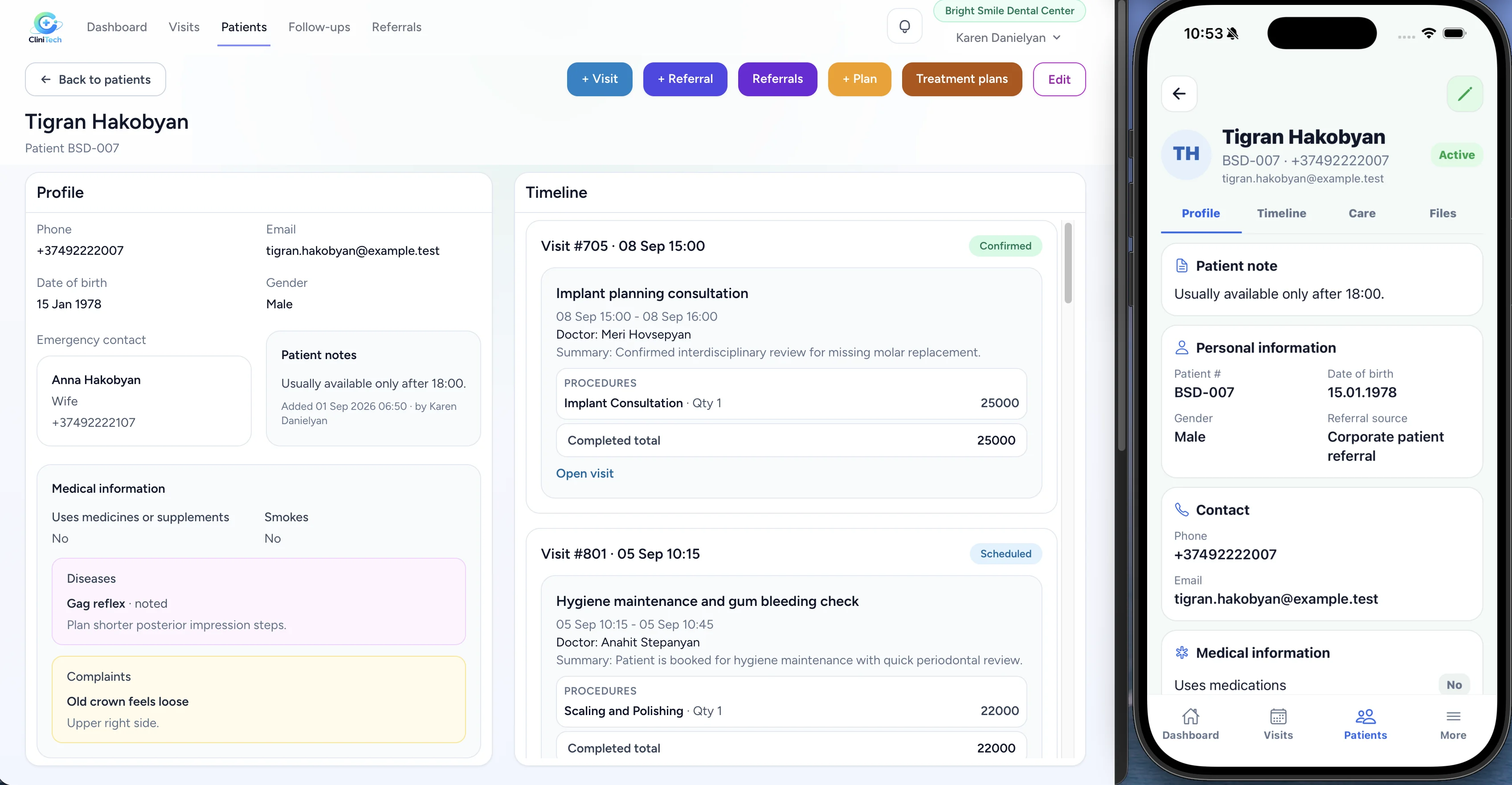
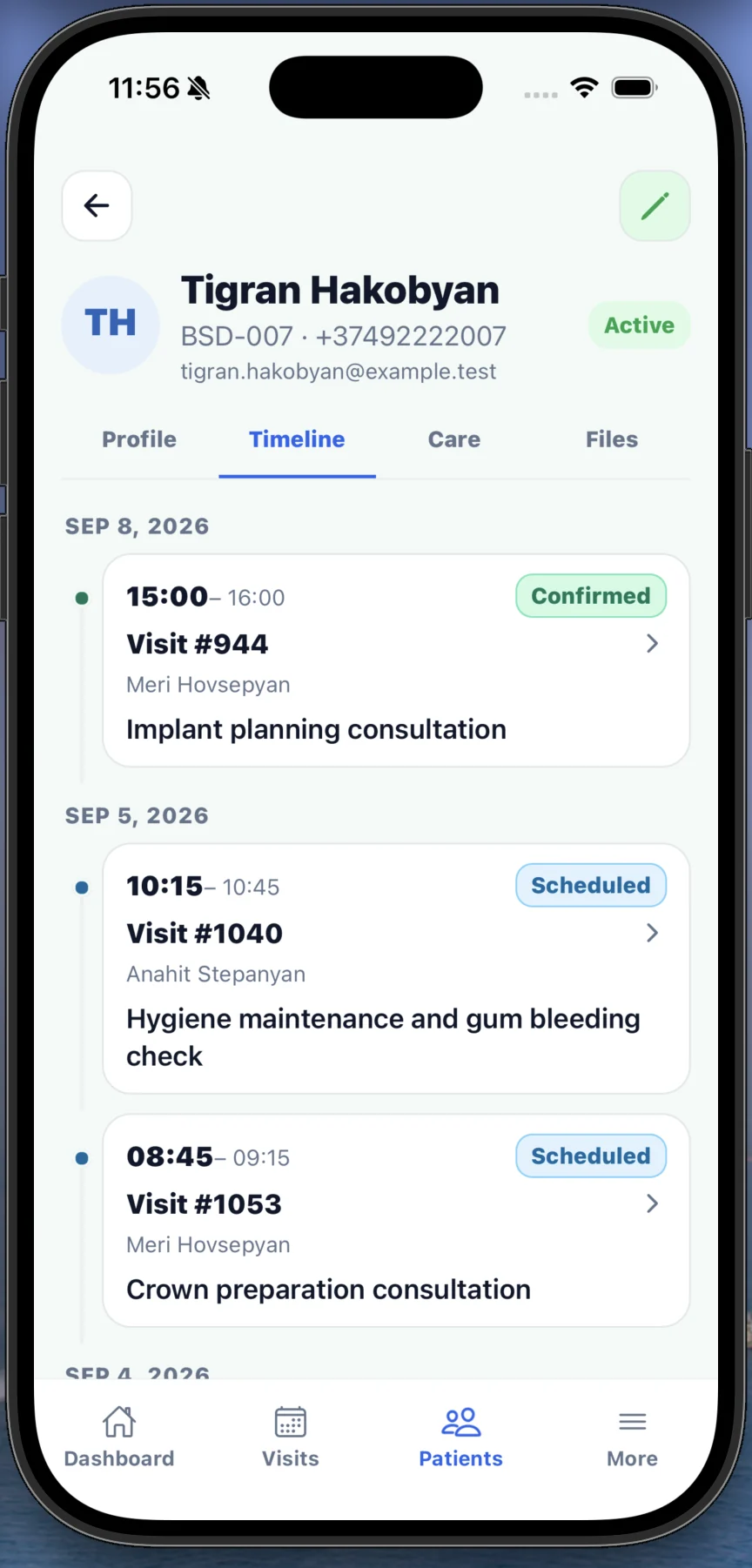
Patient history
Review visits in chronological order with their dates, times, doctors, statuses, and reasons. Open visit details directly when the team needs more context.
Care context
Keep treatment plans, referrals, follow-ups, patient files, and related visits connected to the patient record so the clinic can work with the full care context.
Explore CliniTech for dental clinics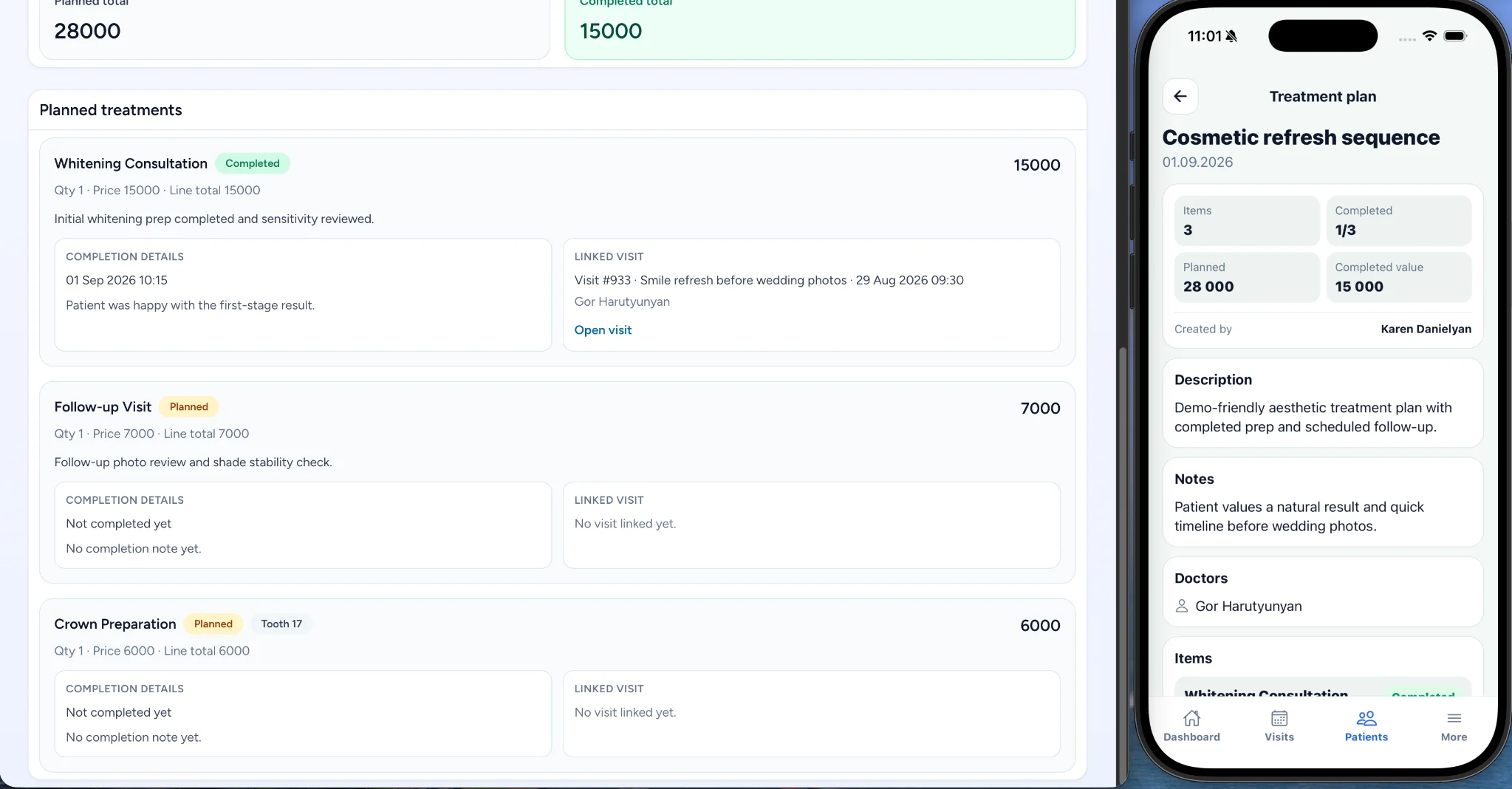
Connected workflow
CliniTech keeps patient context connected across the daily clinic workflow, without separate records for each step.
Team access
Clinic administrators, receptionists, and doctors can work from the same connected patient workspace while using roles and permissions that reflect their responsibilities.
Access patient workflows on desktop and mobile, subject to each staff member’s role and permissions.
Talk to our teamWeb + mobile
Keep patient context close to the clinic workflow whether staff are working from desktop or mobile.
Patient management software keeps patient records, visit history, medical context, and connected clinic workflows together in one workspace.
Yes. Patient profiles can include medical information, conditions, allergies, complaints, notes, and other relevant care context.
Yes. The patient timeline gives the clinic team a chronological view of visits, including dates, doctors, statuses, and direct access to visit details.
Yes. Patient files can be kept with the patient record so the team can find related documents alongside the patient’s care context.
Yes. Treatment plans, referrals, follow-ups, files, and visits stay connected to the patient workflow.
Yes. Clinic administrators, receptionists, and doctors can use roles and permissions that reflect their responsibilities.
CliniTech supports patient workflows on web and mobile, with access based on each staff member’s role and permissions.
Bring patient information, visits, treatment context, and follow-ups together in CliniTech.